
Every PDF Tool.
In One Place.
Merge, split, edit, protect, unlock, crop, resize, rotate, watermark, and convert PDFs and images directly in your browser. Your files stay on your device.
Most Popular Online PDF Tools
Fast, private PDF tools that run directly in your browser with no file uploads.
Merge PDF
Combine two or more PDF files into a single document in the exact or... Use tool free → TOP 2Edit PDF
Edit text, add new text with custom fonts, insert images, sign pages... Use tool free → TOP 3Split PDF
Preview every page of your PDF and split selected pages into separat... Use tool free → TOP 4PDF to JPG
Convert PDF pages into clear, high-resolution JPG images with adjust... Use tool free → TOP 5JPG to PDF
Convert one or multiple JPG/JPEG photos and scans into a cleanly for... Use tool free → TOP 6Crop PDF
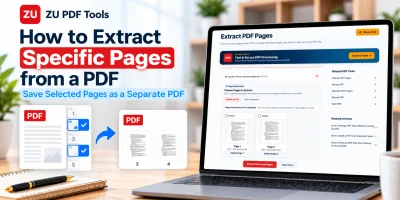
Visually crop PDF pages by dragging an interactive 8-handle crop box... Use tool free → TOP 7Extract PDF Pages
Preview every page of your PDF and pick the exact pages you want to... Use tool free → TOP 8Delete PDF Pages
Preview every page of your PDF, click unwanted pages to mark them fo... Use tool free → TOP 9Rotate PDF
Preview your PDF pages, rotate individual pages or all pages Left 90... Use tool free → TOP 10Add Watermark
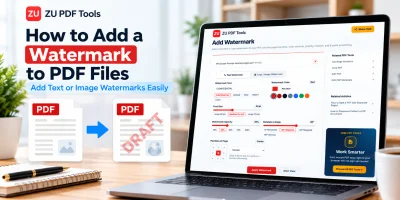
Add custom text or logo watermarks to your PDF with live page previe... Use tool free →How ZU PDF Tools Works
Process PDFs and images in seconds without uploading private documents to an external server.
Select Your PDF or Images
Click the dropzone or drag and drop your PDF, JPG, or PNG files directly from your computer, tablet, or phone.
Configure or Edit in Browser
Reorder files, choose DPI or page sizes, trim margins, or use the interactive PDF Editor to replace text, add signatures, and manage layers.
Download Result Instantly
Your file is processed right in your browser and ready to download in seconds as a PDF or ZIP archive.
Browse PDF Tools by Category
Choose a category to organize, edit, convert, or protect your PDF documents.
Organize PDF
Merge multiple PDFs, split documents, extract or delete specific pages, rotate sideways scans, and reorder pages visually in your browser.
Convert to PDF
Turn JPG, JPEG, and PNG images into multi-page PDF documents with custom page sizes, orientations, and margins right in your browser.
Convert from PDF
Export PDF pages into crisp JPG photographs or lossless PNG images at 110, 150, or 216 DPI directly in your web browser.
Edit & Customize
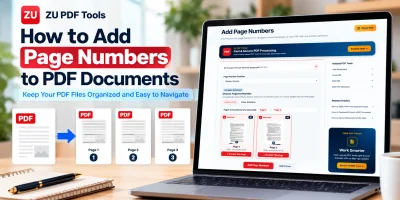
Edit PDF text and images, draw signatures, crop margins visually, stamp text or logo watermarks, add page numbers, and update metadata.
Security
Encrypt sensitive PDFs with 256-bit AES password security or unlock password-protected PDF documents locally in your browser.
Other Useful Tools
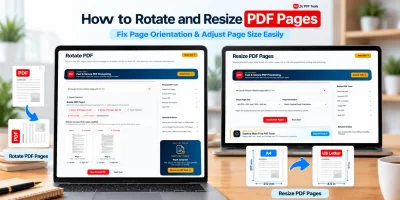
Resize PDF pages to standard paper sizes, convert color PDFs to grayscale, combine mixed images into a PDF, or export selected pages as images.
Complete ZU PDF Tools Directory
Browse all 21 free browser-based PDF tools organized by document workflow.
Organize PDF
6 active tools
Convert to PDF
2 active tools
Convert from PDF
2 active tools
Edit & Customize
5 active tools
Security
2 active tools
Other Useful Tools
4 active tools
Helpful PDF Guides & Document Tips
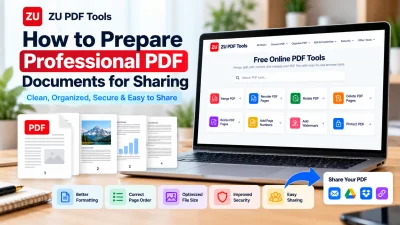
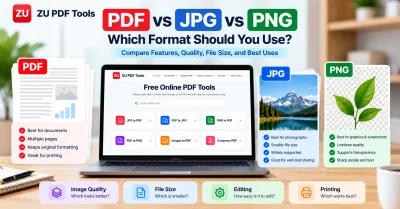
Learn how to edit, merge, split, convert, and protect PDF files without losing quality.
Private, Browser-Based PDF Processing.
All 21 active tools on ZU PDF Tools process your files directly inside your web browser, so your documents are not uploaded to our servers.
Your PDFs are processed directly in your browser without being uploaded to our servers.
No waiting in upload or download queues. Multi-page PDFs merge, split, crop, and convert in seconds.
Works smoothly across Windows, macOS, Linux, iOS, and Android browsers with nothing to install.
Use all 21 browser-based PDF tools without creating an account, entering an email, or dealing with added watermarks.